
Portal Permissions
The Portal is a very powerful tool, and accordingly there are three permission levels available to ensure the right people in your organisation can do what they need to do, but nothing more. See the table below to get a feel for what the three user levels are.
Portal Permissions
The Portal is a very powerful tool, and accordingly there are three permission levels available to ensure the right people in your organisation can do what they need to do, but nothing more. See the table below to get a feel for what the three user levels are.
Portal Permissions
The Portal is a very powerful tool, and accordingly there are three permission levels available to ensure the right people in your organisation can do what they need to do, but nothing more. See the table below to get a feel for what the three user levels are.
Portal Permissions
The Portal is a very powerful tool, and accordingly there are three permission levels available to ensure the right people in your organisation can do what they need to do, but nothing more. See the table below to get a feel for what the three user levels are.
Three defined user levels
The Portal is a very powerful tool, and accordingly there are three permission levels available to ensure the right people in your organisation can do what they need to do, but nothing more. See the table below to get a feel for what the three user levels are.
Operator - created specifically for use in Control Rooms, this role allows operators to do things like arm and disarm sites, create passcodes for padlocks and keyboxes, view logs and add users. But they cannot change site configuration.
Manager - can basically do everything in terms of having control over site configurations and devices, rules etc. Can also upgrade operators to manager level.
Admin - have complete control, and can upgrade/downgrade managers and operators.
Features
Operator
Manager
Admin
Control
Control outputs available to all
Control "manager only" outputs
Generate Passcode
Users and Groups
View Users
Add Users
Remove Users from sites
Delete users at same level or below
Create New Groups
Edit Groups (name)
Delete Groups
Mass add/remove site access for a user
Change user role on a site
Give Portal admin access to a sub groups
Give Portal admin access at level they are in
Remove Portal access at same level of below
Site Configuration
Make site active/inactive new site
Rename site in portal
Rename site for app users
See unique site ID
Add a new device to a site
Delete a device from a site
Make Input/Output visible
Make Output manager only/read only for standard
Edit Input/Output Name
Edit Input/Output status naming
Activate site wide notifications
Activate Input/Output Notifications
Copy site configuration
Reset site
Restrict Access (times)
Rules
Set/edit Output rules
Set/edit Input rules
Set/edit Schedules
View rules and schedules
Create Temporary Schedules
Suspend a site
Create smart reminders
Logs/History
View Logs
Clear Logs
View smart padlock/key box passcodes
View Master Pin
View Analytics
Billing date
View billing data
Features
Operator
Manager
Admin
Control
Control outputs available to all
Control "manager only" outputs
Control "admin only" outputs
Generate Passcode for Padlock/Keybox
Users and Groups
View Users
Add Permanent Users
Add Temporary Users
Remove Users from sites
Temporarily suspend site access
Remove Managers from sites
App Notifications
Output Activated
Input activated
Smart reminder for input or output in incorrect status at given day/time
Low Battery emails
Site Configuration
Add new site
Rename site in app (personalised naming)
Remove existing site from app view
Push new site name to all users
See unique site ID
Add a new device to a site
Delete a device from a site
Make Input/Output visible
Configure an output to be manager only/read only for standard
Configure an output to be admin only
Edit Input/Output Name
Edit Input/Output status naming
Enable Site Notifications
Add pre entry questions for outputs
Enable offline access to sites
Invert Output Colours
Add a URL to each site
Rules - day to day management
Set/edit Output rules
Set/edit Input rules
Set/edit Permanent Schedules
Create Temporary Schedules
Create smart reminders
Logs/History
View App Logs
View & delete smart padlock/key box passcodes
Features
Operator
Manager
Admin
Control
Control outputs available to all
Control "manager only" outputs
Control "admin only" outputs
Generate Passcode for Padlock/Keybox
Users and Groups
View Users
Add Permanent Users
Add Temporary Users
Remove Users from sites
Temporarily suspend site access
Remove Managers from sites
App Notifications
Output Activated
Input activated
Smart reminder for input or output in incorrect status at given day/time
Low Battery emails
Site Configuration
Add new site
Rename site in app (personalised naming)
Remove existing site from app view
Push new site name to all users
See unique site ID
Add a new device to a site
Delete a device from a site
Make Input/Output visible
Configure an output to be manager only/read only for standard
Configure an output to be admin only
Edit Input/Output Name
Edit Input/Output status naming
Enable Site Notifications
Add pre entry questions for outputs
Enable offline access to sites
Invert Output Colours
Add a URL to each site
Rules - day to day management
Set/edit Output rules
Set/edit Input rules
Set/edit Permanent Schedules
Create Temporary Schedules
Create smart reminders
Logs/History
View App Logs
View & delete smart padlock/key box passcodes

WE ARE EXHIBITING
Meet us on stand F121


See our user environments

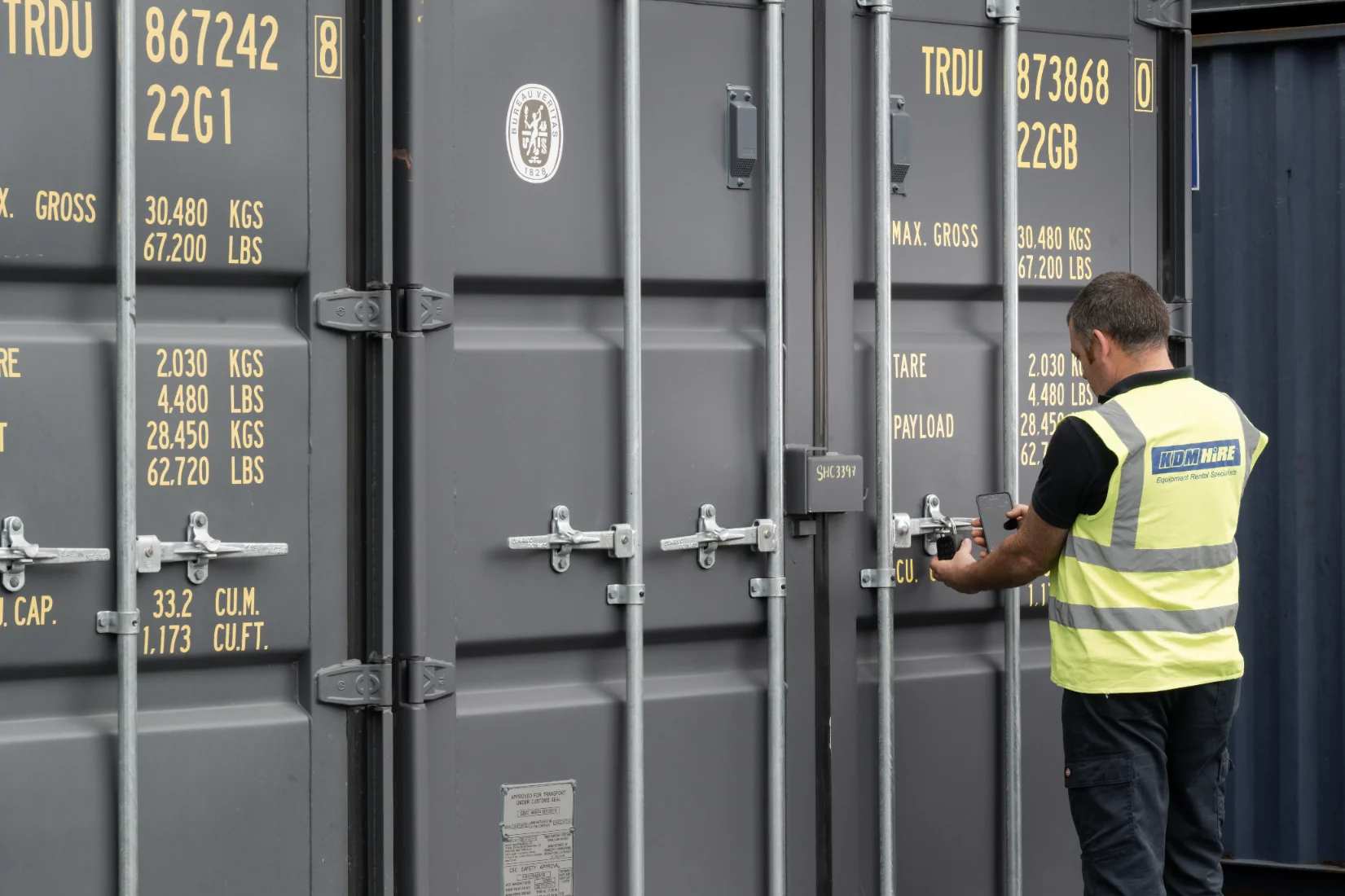

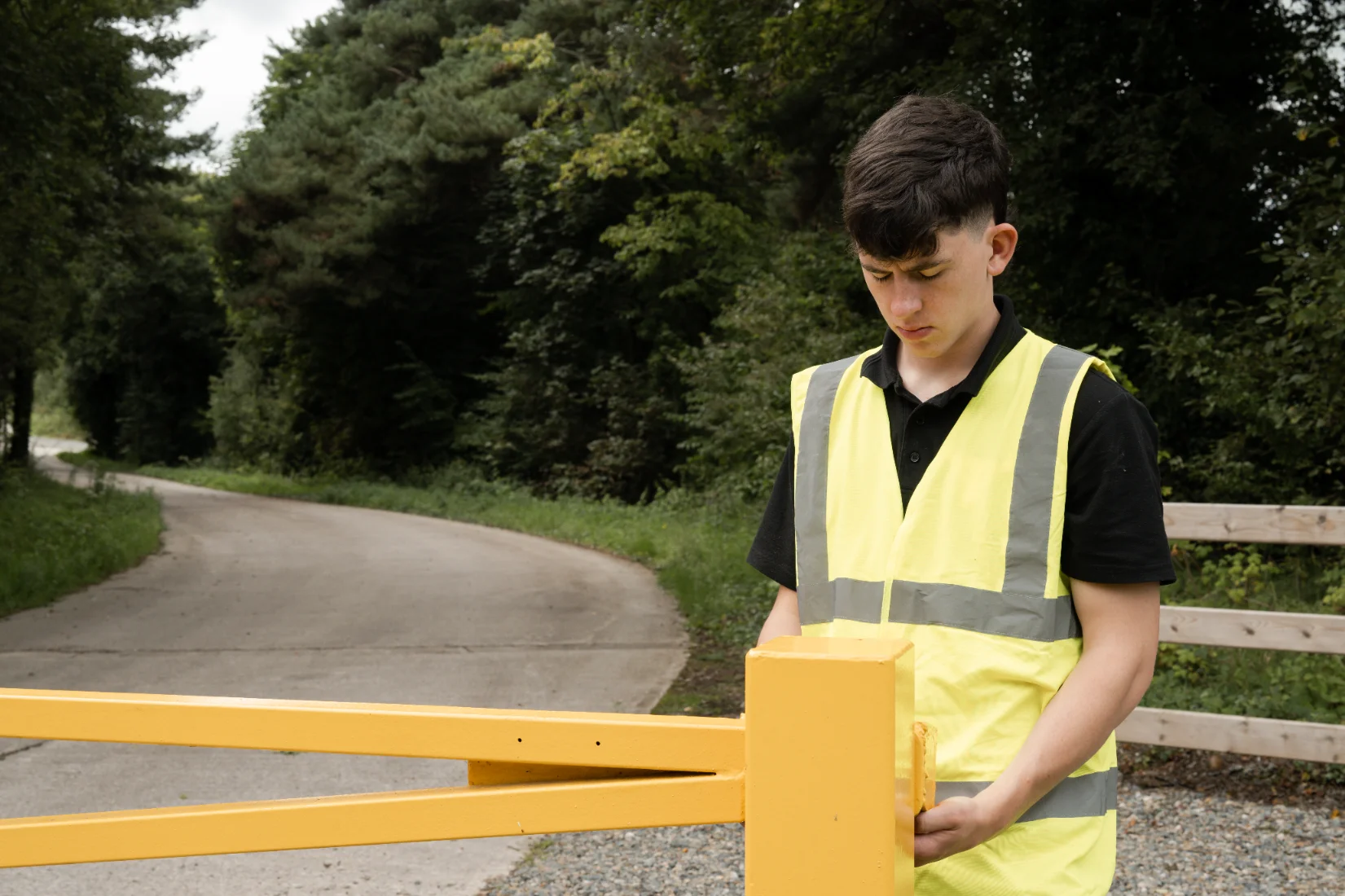


See our user environments
See our user environments
We needed a scalable, easy to manage access solution for our car parks and stock yards, where the authorised visitor list changes regularly. Knowio is a Godsend from an efficiency perspective.

Alan Moore
Spirit Motor Group
An open gate is an open invite to criminals. Now we have real-time visibility on lots of critical gates that we previously could only know were closed by doing costly physical checks.

Mick Power
Coillte Forestry
End user behaviour has shifted dramatically since I migrated to Knowio. All users are aware of the complete traceability. Incidents of the gate being left open has now fallen to practically zero.

Sean MacMahon
MACM (NI)
Having the Knowio Anywhere Sensors on our gates has been like a dream come true

Conor Graham
McAleer & Rushe
Frequently Asked Questions
Frequently Ask Questions
Frequently Asked Questions
1. What is a smart padlock and how does it work?
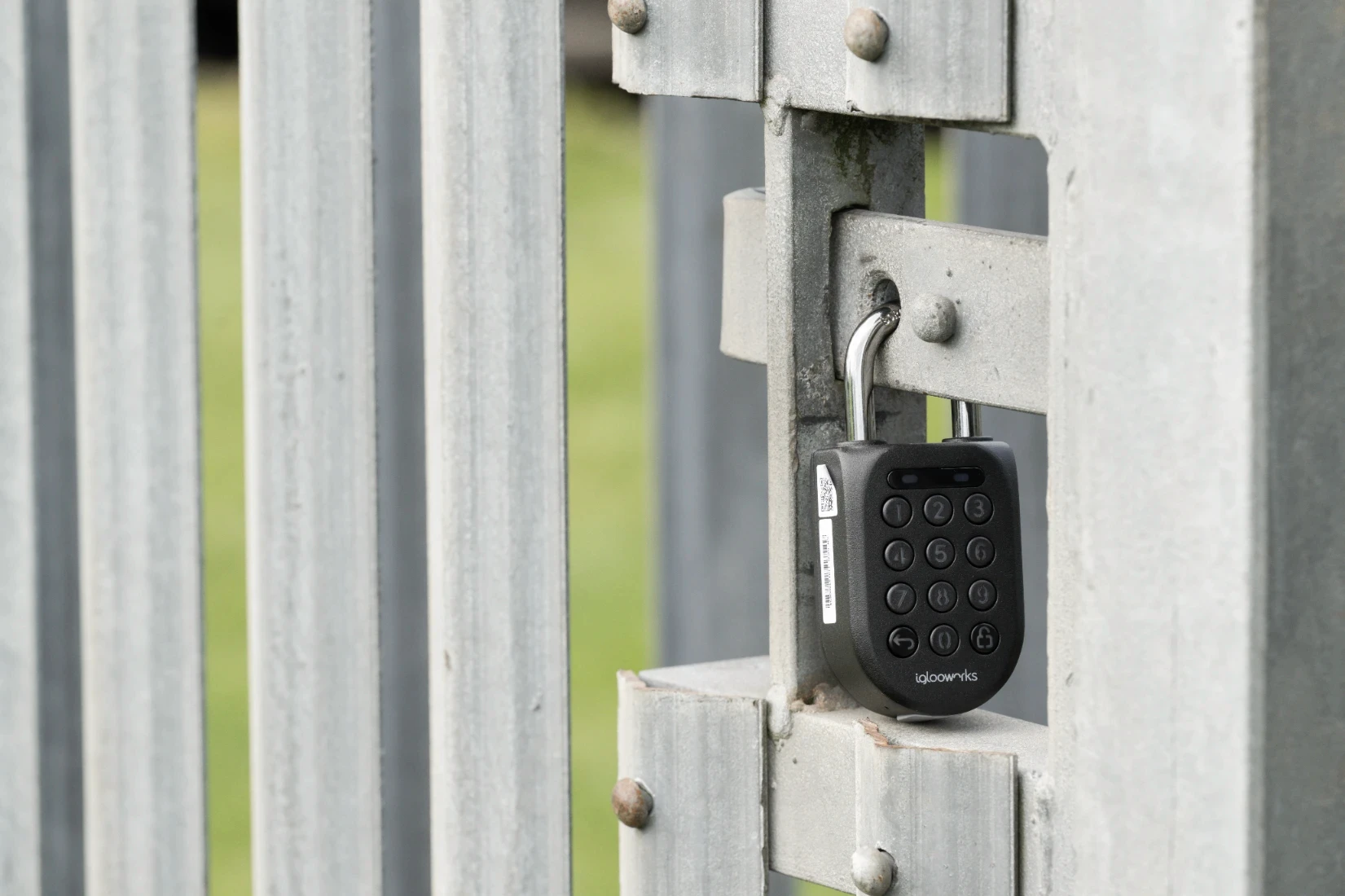
A smart padlock is a Bluetooth-enabled lock that opens using the Knowio app or secure PIN codes. It works offline for unlocking, meaning no mobile reception is required. The padlock logs every unlock event in real time, uses a USB-C rechargeable battery, and is built with durable, weatherproof materials for outdoor use.
1. What is a smart padlock and how does it work?
A smart padlock is a Bluetooth-enabled lock that opens using the Knowio app or secure PIN codes. It works offline for unlocking, meaning no mobile reception is required. The padlock logs every unlock event in real time, uses a USB-C rechargeable battery, and is built with durable, weatherproof materials for outdoor use.
2. Can I control my electric gate with a smartphone app?
Yes. With the Knowio Smart Controller, you can open and close electric gates directly from your smartphone. The system works via LAN or 4G with Bluetooth backup and allows you to set auto-close or hold-open rules, receive real-time notifications, and monitor gate status remotely.
2. Can I control my electric gate with a smartphone app?
Yes. With the Knowio Smart Controller, you can open and close electric gates directly from your smartphone. The system works via LAN or 4G with Bluetooth backup and allows you to set auto-close or hold-open rules, receive real-time notifications, and monitor gate status remotely.
3. Do smart padlocks work with Apple Home, Google Home, or Amazon Alexa?
Knowio devices are managed through the Knowio App and Knowio Portal. While they don’t have direct integration with Apple Home, Google Home, or Alexa at this time, you can manage all smart locks and access devices directly within Knowio’s secure platform.
3. Do smart padlocks work with Apple Home, Google Home, or Amazon Alexa?
Knowio devices are managed through the Knowio App and Knowio Portal. While they don’t have direct integration with Apple Home, Google Home, or Alexa at this time, you can manage all smart locks and access devices directly within Knowio’s secure platform.
4. How secure are Bluetooth and biometric smart locks?
Knowio smart locks use encrypted Bluetooth technology and one-time passcodes (OTP) to ensure maximum security. Every access attempt is recorded in an audit trail, and the padlocks are built with high-strength boron steel shackles and weather-resistant housings for both digital and physical protection.
4. How secure are Bluetooth and biometric smart locks?
Knowio smart locks use encrypted Bluetooth technology and one-time passcodes (OTP) to ensure maximum security. Every access attempt is recorded in an audit trail, and the padlocks are built with high-strength boron steel shackles and weather-resistant housings for both digital and physical protection.
5. How long does the battery last on a smart padlock or gate controller?
Knowio smart padlocks last up to 12 months per charge using their USB-C rechargeable batteries. Gate controllers and sensors also provide low-battery alerts in the app and can be solar-powered for continuous operation.
5. How long does the battery last on a smart padlock or gate controller?
Knowio smart padlocks last up to 12 months per charge using their USB-C rechargeable batteries. Gate controllers and sensors also provide low-battery alerts in the app and can be solar-powered for continuous operation.
6. Can one app manage multiple gates, padlocks, and CCTV systems?
Yes. The Knowio App and Portal allow you to control multiple devices across different sites from one platform. You can manage padlocks, gates, sensors, and CCTV systems while assigning roles and permissions to different users for complete, scalable access management.
6. Can one app manage multiple gates, padlocks, and CCTV systems?
Yes. The Knowio App and Portal allow you to control multiple devices across different sites from one platform. You can manage padlocks, gates, sensors, and CCTV systems while assigning roles and permissions to different users for complete, scalable access management.

Interested in becoming a trusted partner?
Knowio is sold exclusively via our network of professional security partners. Join us today to bring better security system control to your customers.
Find out more

© 2026 Inniovate, Ltd. All Rights Reserved
NI692285
Interested in becoming a trusted partner?
Knowio is sold exclusively via our network of professional security partners. Join us today to bring better security system control to your customers.
Find out more
© 2026 Inniovate, Ltd. All Rights Reserved
NI692285
Interested in becoming a trusted partner?
Knowio is sold exclusively via our network of professional security partners. Join us today to bring better security system control to your customers.
Find out more
© 2026 Inniovate, Ltd. All Rights Reserved
NI692285
Interested in becoming a trusted partner?
Knowio is sold exclusively via our network of professional security partners. Join us today to bring better security system control to your customers.
Find out more
© 2026 Inniovate, Ltd. All Rights Reserved
NI692285